
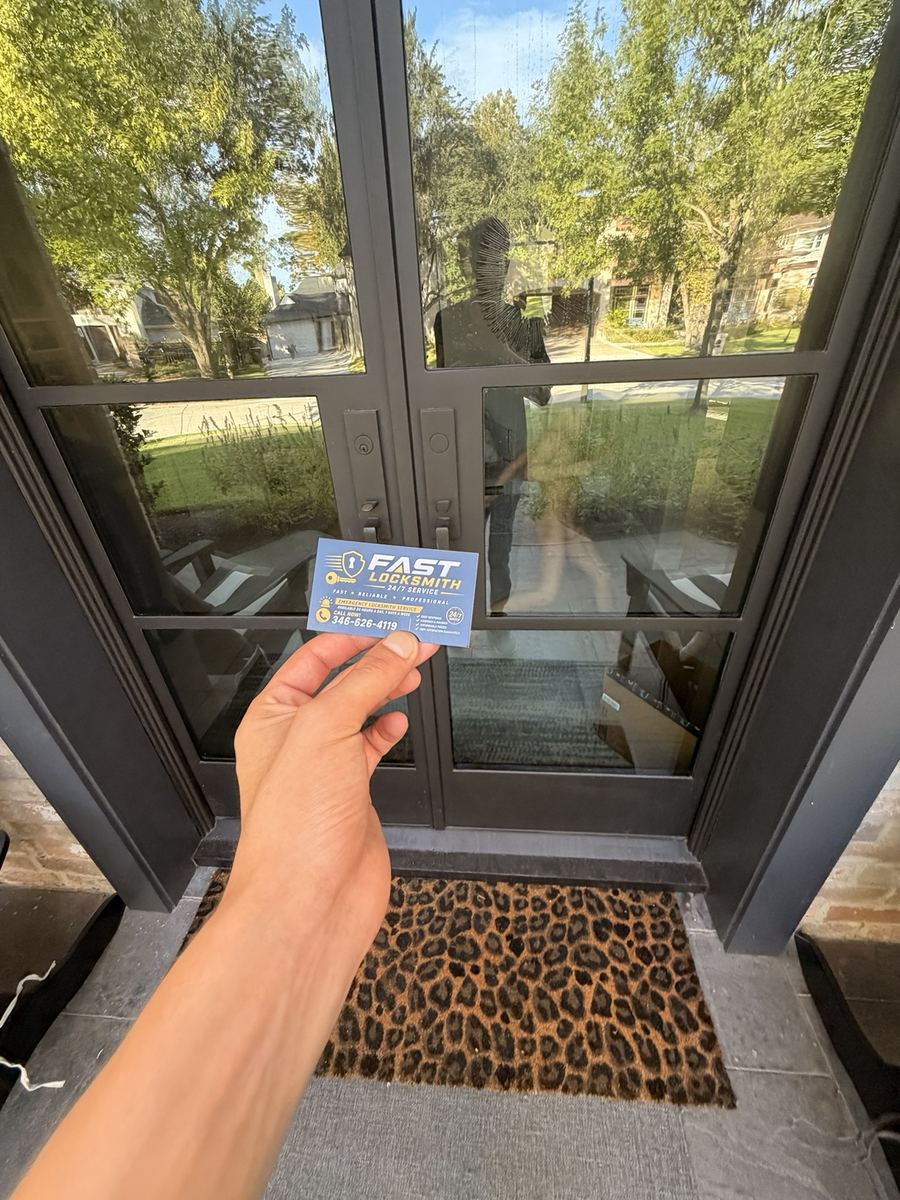
Installations are scheduled.
The right lock is usually the simplest one that does what you need. We'll recommend that, not the one with the most features.
A Home Tutoring Business, an App-Only Lock and a Grandmother Without a Smartphone
The first smart lock people buy isn't always the right one. What follows is a typical example from a house in New Territory.
A couple ran a small after-school tutoring business from their home, with students arriving through the side door to a converted study. They'd bought a sleek app-only smart lock: no keypad, no key, just phone access and an auto-lock that engaged thirty seconds after the door closed. For them, it was perfect. Then the wife's mother came from Chennai for six months to help with the house and the students. She had a simple phone, no apps. Twice in the first week, she stepped out to greet a parent at the curb and the door locked behind her. Once, three students waited on the porch with her until someone came home.
The husband called us. Our dispatcher treated it like a small business's access problem, which it was. Who used the door? The couple, the grandmother, the students' parents at pickup. Who should be able to open it? The family, and a part-time tutor two afternoons a week. Did they want to keep phone access? Yes, for themselves. He recommended a keypad smart lock with large backlit buttons, codes per person and phone access for the couple and a longer auto-lock delay. He said the technician would text when he was on his way.
The technician came in the company uniform and held up his ID. He checked the husband's license against a utility bill. He removed the app-only lock and looked at the door. The strike hole was shallow. He deepened the strike pocket with a chisel and fitted a reinforced strike. Then he installed the keypad lock. The first test, the bolt stopped short; the tailpiece was set for the wrong door thickness. He switched it to the correct setting, and the bolt threw fully.
He set up the app for the couple, created codes for the grandmother, the tutor and a backup, and set a longer auto-lock delay. He showed the grandmother how to use her code three times, until she was comfortable. His advice: choose the lock for the least technical person who uses the door.
Choosing a Smart Lock That Works for Everyone
App Only Smart Lock Problems
App only smart lock problems show up when someone without the app needs to get in, or when a phone dies. A keypad gives everyone a way in, and a backup key covers dead batteries.
Smart Lock for Elderly Parents
A smart lock for elderly parents should have large, backlit buttons, a simple code and no need for a phone. Longer auto-lock delays help too. We set it up with them, at their pace.
Codes, Buttons and a Backup Key
Keypad lock installation replaces your deadbolt with one that opens by code and, usually, by key. It fits standard holes on most doors and works without Wi-Fi.
Phone Access for the People Who Want It
Wifi smart lock installation adds remote control and logs. Many locks connect only on 2.4 GHz, so we check your router before installing.
Shallow Strikes Drain Batteries
A smart deadbolt install near me always starts with the door. Shallow strikes, sagging doors and wrong thickness settings make motors strain and batteries die early. We fix those first.
Auto-Lock Settings
Auto-lock is useful, but a very short delay locks people out. Give it a longer delay on doors where people step out briefly, like a side door used by students or guests.
Home Businesses and Visitors
Tutoring, music lessons, salons and home offices bring visitors to the door. A code for each staff member and a log of who opened the door keep things orderly.
Homeowners and Landlord-Approved Tenants
A deed or utility bill plus ID is all an owner needs to book. Tenants need landlord permission.
Swapping a Lock That Didn't Fit Your Family
It depends on the lock, the door and the setup.
Codes for Tutors, Cleaners and Helpers
Give every regular visitor their own code: the tutor, the cleaner, the dog walker. Many locks let you schedule codes to work only on certain days or hours. When someone stops coming, delete their code that day.
Batteries and a Backup Key
Smart locks run on batteries and warn you weeks ahead. Keep a backup key somewhere outside the house, with a neighbor or in a lockbox, for the day the warning gets missed.
On-Site Visits in Sugar Land
We reach customers across Sugar Land with mobile technicians, not a storefront. Installations are booked at a time that suits you, often between school runs or after business hours. New Territory and Greatwood are easy to reach from the Grand Parkway.
Technicians Who Teach as Well as Install
The technician arrives in uniform and shows ID. They check the door, install carefully and take the time to show each person how to use the lock. They leave the manual, backup keys and a note on changing codes. They stay until each person who will use the lock has opened it themselves at least once, because a lock that only one person understands isn't doing its job.
Licensed and insured, Fast Locksmith 24/7 holds 5 stars on Google from Houston-area homeowners and businesses.
Smart Lock Installation Around Sugar Land
Smart lock calls in Sugar Land come from multigenerational homes, home businesses and tutoring centers, rentals, and families in New Territory, Telfair, First Colony and Riverstone. Smart lock installation in Sugar Land is often about choosing a lock that a visiting grandparent and a busy teenager can both use. If you're replacing a lock that didn't work out, tell the dispatcher what went wrong with it.
Sugar Land's multigenerational households and home businesses make smart locks especially useful, as long as the lock suits everyone. Before buying, list who will use the door and how comfortable each person is with phones. That list usually points straight to the right lock.
Smart locks suit Sugar Land households with guests, sitters and busy schedules. A keypad or app lock lets you hand out codes and cancel them without collecting keys.
Check Wi-Fi at the door before we come. A lock that connects to the network needs a steady signal where it sits.
Think about batteries. We show you where they go and how to check them.
Plan who gets a code and for how long. Temporary codes for a repair visit or a weekend guest are among the best features.
Ask the technician to walk you through the app before he leaves. Setting up the first code together prevents mistakes later.
Test the lock from the outside with the door open, so you are not shut out while you check how it behaves.
Write down your codes and keep the list somewhere safe at home.
Many smart locks sold online are designed for standard doors and may not fit thicker doors, doors with odd backsets or doors with glass near the lock. If you've already bought one, the technician will check it fits before installing.
We also install smart locks in Richmond, Missouri City and Stafford. For a traditional bolt, see deadbolt installation, and for business keying, commercial locksmith.
Estimated Technician Arrival Time
Arrival times vary depending on your location and technician availability.
Actual arrival time may vary depending on your exact location, traffic conditions, time of day, current demand, and technician availability.
Providing your exact vehicle location when calling allows us to give you a more accurate estimated arrival time.